
The project-learning workspace for school makerspaces
Build ideas
that matter.
Teachers create and assign guided, hands-on projects. Students follow the steps, submit photos of their work, and get feedback that becomes a portfolio.
Guided steps, photo evidence, rubric feedback — finished work lands in a student portfolio.
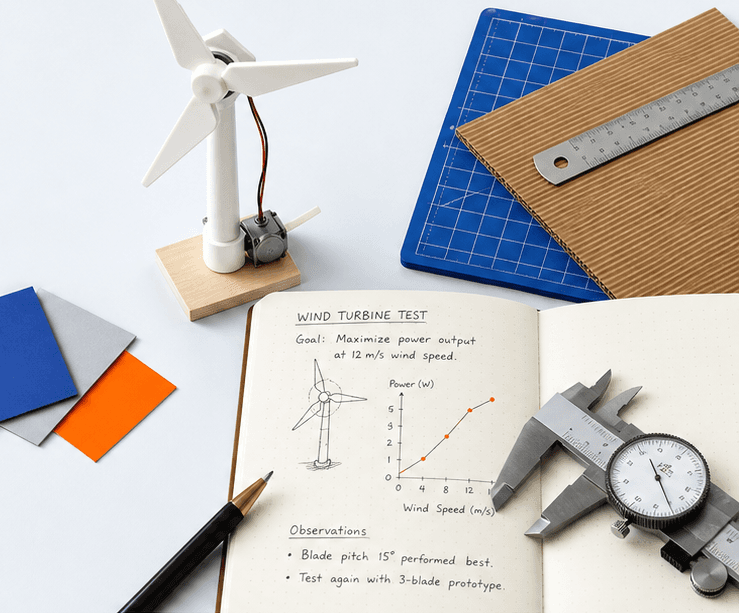
Clear next steps
Numbered build steps, checkpoints, and tool-safety gates. Students always know what comes next.
Evidence that tells a story
Photos, measurements, and reflections captured mid-build — not scrambled together on due day.
Feedback that moves work forward
Rubric-scored feedback with a clear status — revise, resubmit, or done. No guessing.
How MakerHub works
One workflow, from lesson plan to portfolio.
01
Plan
Teachers design a project — or let the AI assistant draft one for their exact classroom, tools, and grade level.
02
Assign
Send it to a class, a group, or a choice menu with due dates, prerequisites, and required safety certifications.
03
Build
Students work step by step, pass tool safety checks, and document their process with photos and reflections.
04
Grow
Rubric feedback, progress tracking, and a growing portfolio show learning — not just a final grade.
From the project library
Plant Buddy — Micro:bit Environment Monitor
Students build a desk companion that shows live light and temperature on a micro:bit — then design and fabricate a protective case for it. Coding, circuits, and fabrication in one project.
Explore the libraryWaiting list
New to MakerHub? Save a spot.
We're opening MakerHub to new schools in small groups so every class gets a smooth start. Leave your details and we'll email you when there's room.
Already have an account? Sign in as usual — nothing changes for you.
Ready to build with your class?
Set up a class, assign a project, and watch the first builds come in this week.